Live console
Type commands and read output as it happens. Start, stop and restart sit in the same header, so you never leave the page to bring a server back.
Each console session keeps the last 1,000 lines.
Pick a game or container, set the RAM, CPU and disk, and your container is created. Run it from a console, file manager and installers in your browser. Free to start, no credit card required.
Nine ready-made server types, plus a plain Docker container for everything else.
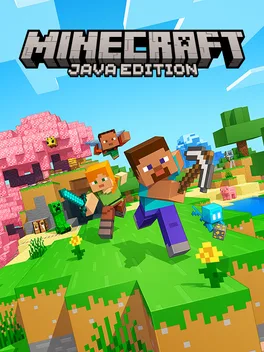 Minecraft: Java EditionVanilla, Paper, Spigot, Fabric, Forge and more.
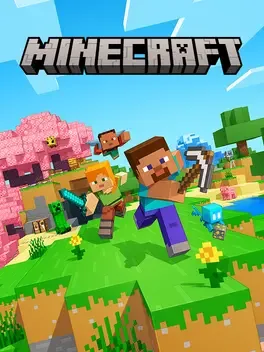 Minecraft: Bedrock EditionOne server for phone, console and PC players.
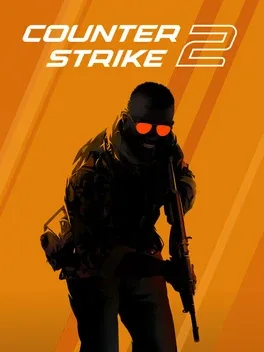 Counter-Strike 2Custom configs and workshop maps.
 DayZMods and editable loot tables.
 Garry's ModYour own gamemodes, props and addons.
 Arma ReforgerLarge-scale military sandbox with mod support.
 Project ZomboidSurvival sandbox with base building.
 SquadTactical multiplayer with mods.
 Discord botKeeps your bot online and restarts it if it stops.







 Cloud ServerA Docker container with root access, from a fixed list of images.
No SSH client, no FTP client. These are the four screens you will use most.
Type commands and read output as it happens. Start, stop and restart sit in the same header, so you never leave the page to bring a server back.
Each console session keeps the last 1,000 lines.
Upload, edit, rename and delete files in the browser. Download a whole folder as one compressed archive.
Uploads stream to disk, so large world files do not stall the page.
Choose a Minecraft server type when you create the server, then switch or add mods from the installer later.
 Paper
 Purpur
 Spigot
 Fabric
 Forge
 NeoForge
 Velocity
 Vanilla
Invite people by user ID and give them the Admin or Member role. They manage the server without ever seeing your login.
The owner role stays with you.
These are the hard caps for each plan. Prices and billing are on the pricing page.
Open pricing| Starter | Scale | Summit | |
|---|---|---|---|
| RAM per server | 2 GB | 8 GB | 16 GB |
| vCPU per server | 2 | 4 | 8 |
| Storage per server | 5 GB | 50 GB | 100 GB |
| Servers | 1 | 2 | 3 |
Every server runs in one region today. If your players are in Australia or New Zealand, that is close to them. North America and Europe are planned.
Something missing? Contact support.
In Sydney, Australia. North America and Europe are planned, but no date is set.
Sign up, pick a server type, choose RAM and vCPU within your plan limits, and create the server. The free tier needs no credit card.
Yes. Choose the Cloud Server type to get a Docker container with root access. You pick from a fixed list of images: Ubuntu, Debian, Alpine, Node.js, Python, Go, Rust, Java, Nginx and common databases. Arbitrary images are not allowed.
Yes. You can upgrade, downgrade or cancel from your account. The pricing page lists what each plan includes.
Every plan has the help centre and a contact form. Response targets differ by plan and channel, so the SLA page is the place to check before you buy.
Pick a game or container, set the RAM, CPU and disk, and run it from your browser. Free to start, no credit card required.